MCP Dock
All-in-one MCP & Skills Manager
Browse, install, and manage MCP Servers and AI Skills. Support Cursor, Windsurf, Zed, Claude Code, Gemini CLI, Codex CLI, Opencode, and more.
brew install --cask OldJii/tap/mcp-dockmacOS via Homebrew ·
Take a Closer Look
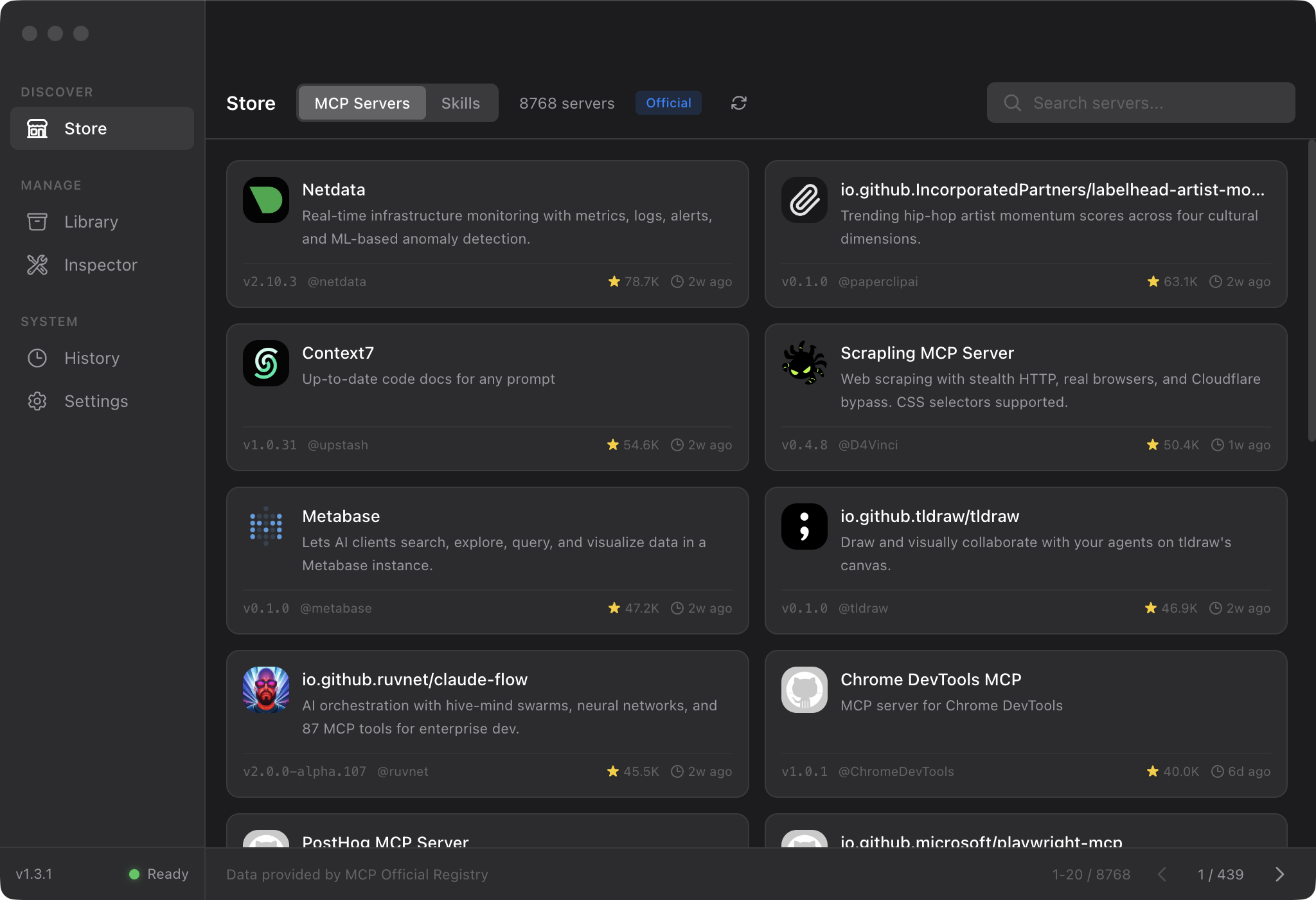
MCP Store
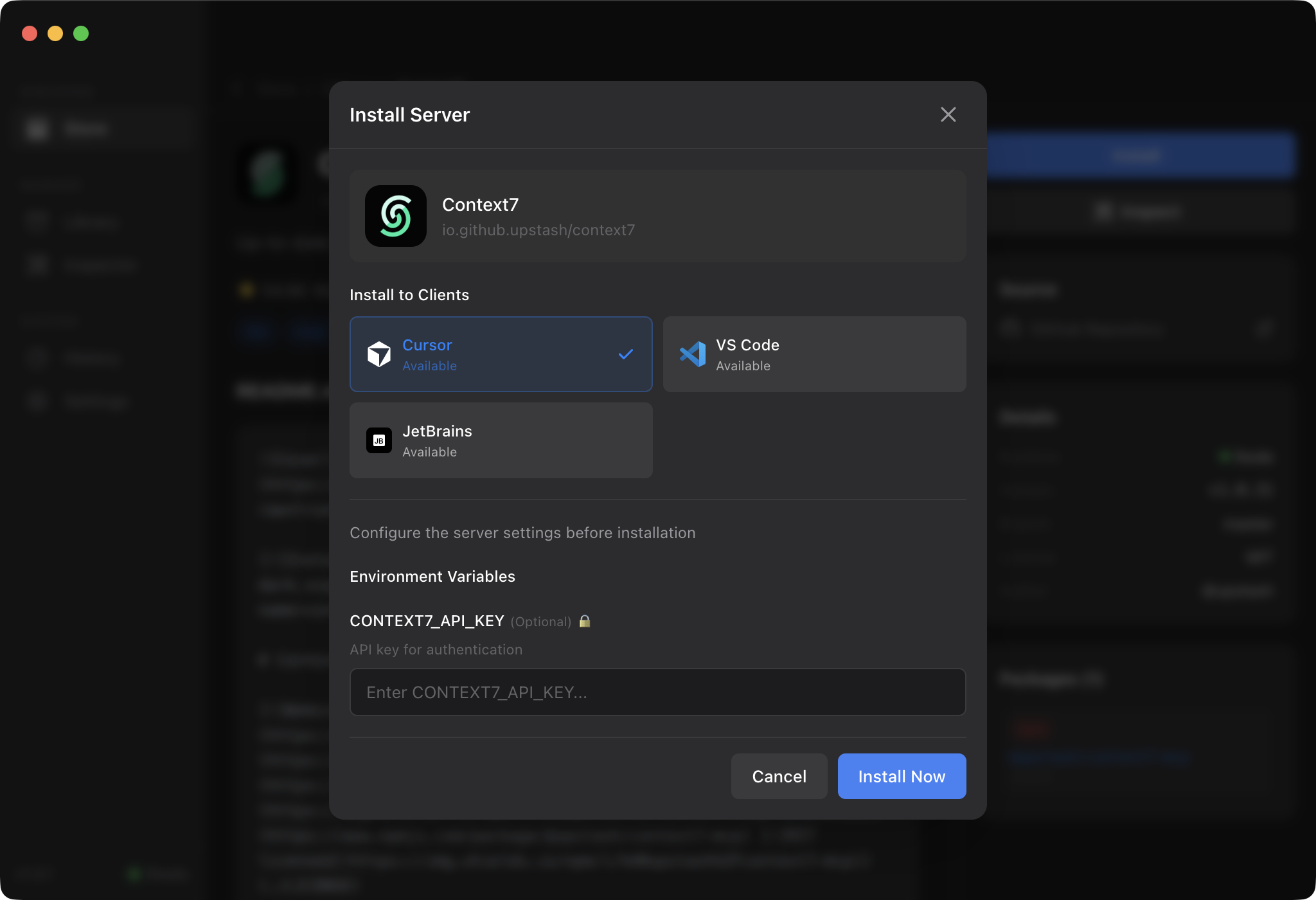
Install
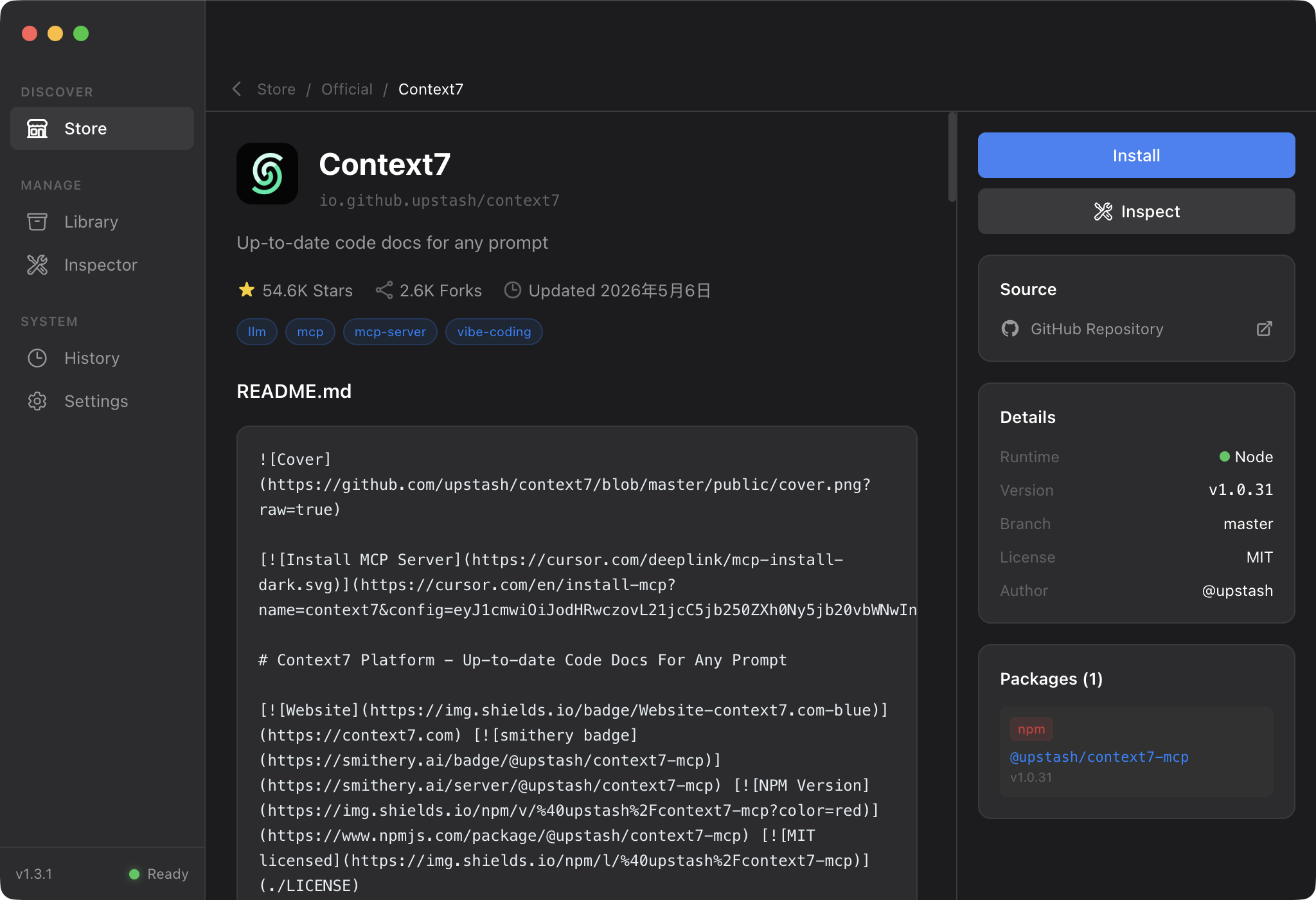
Server Details
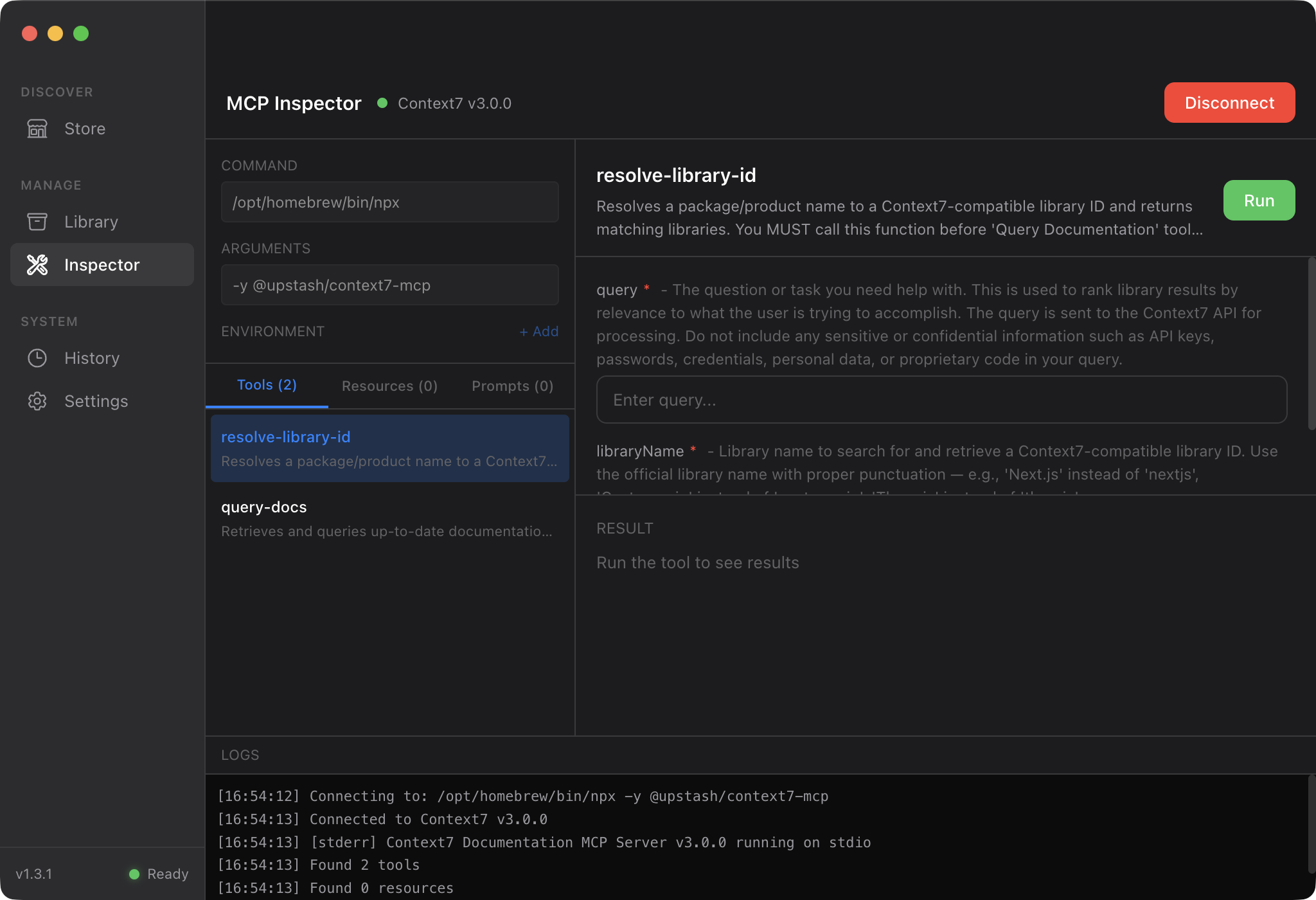
Inspector
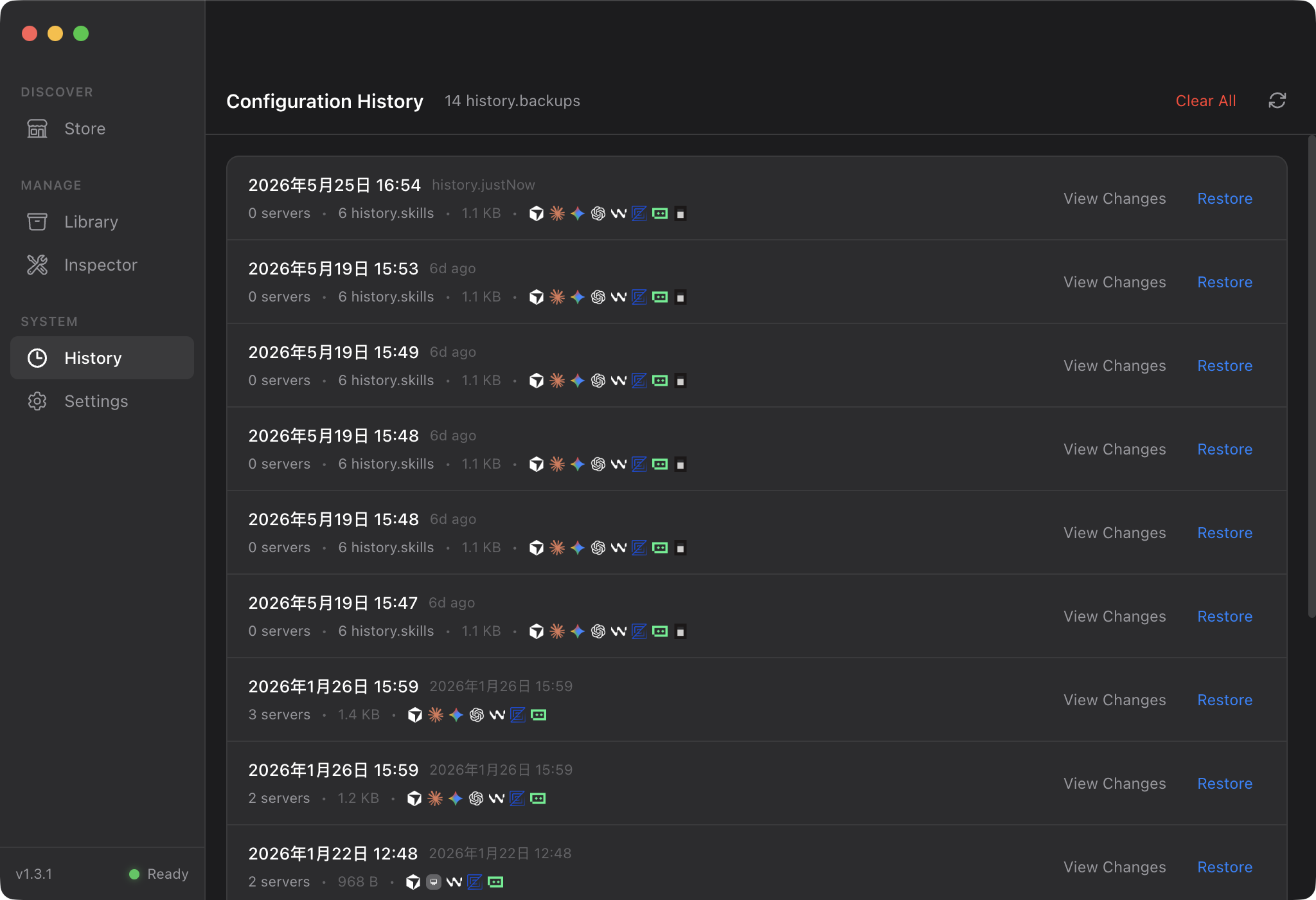
History
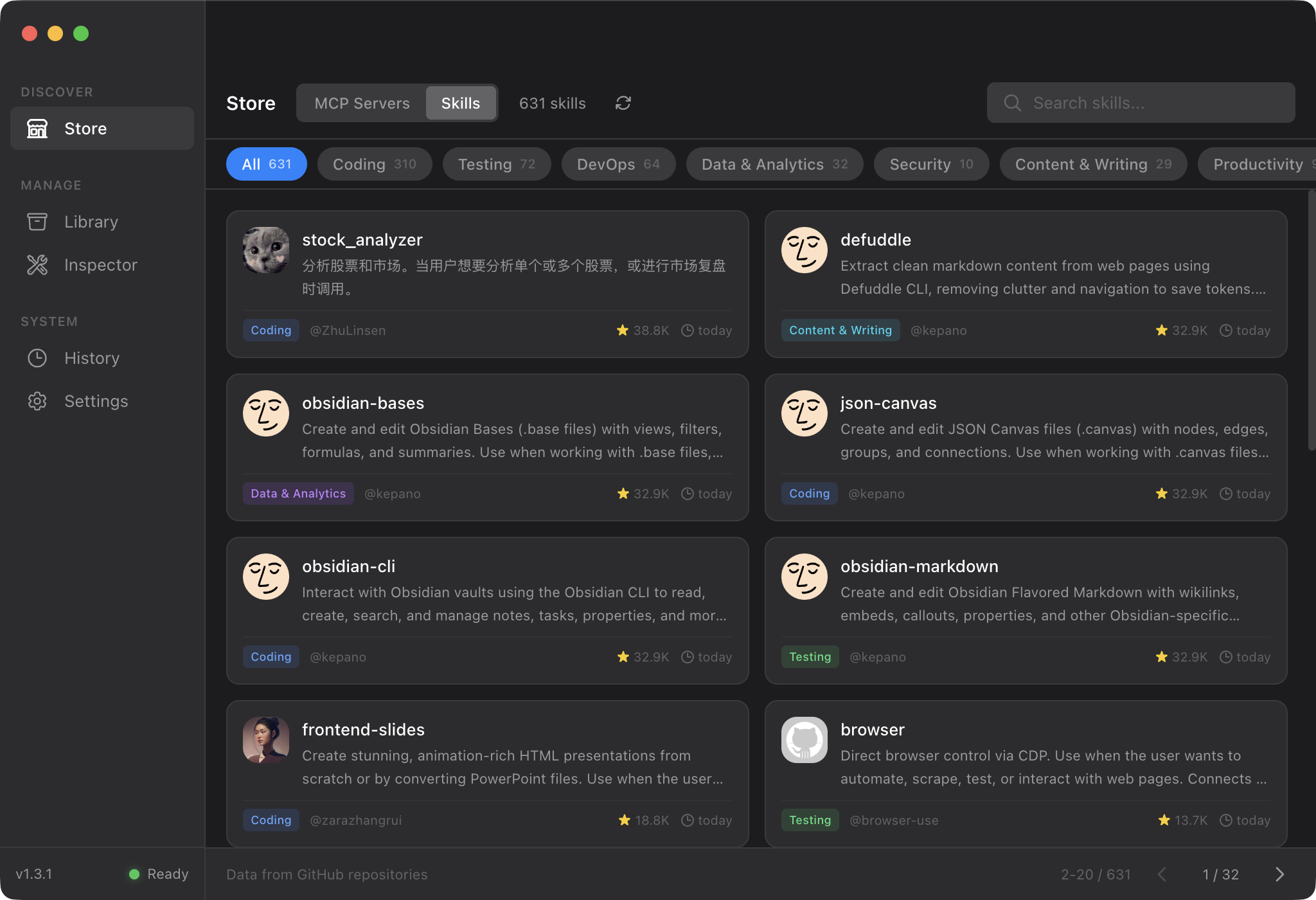
Skills Store
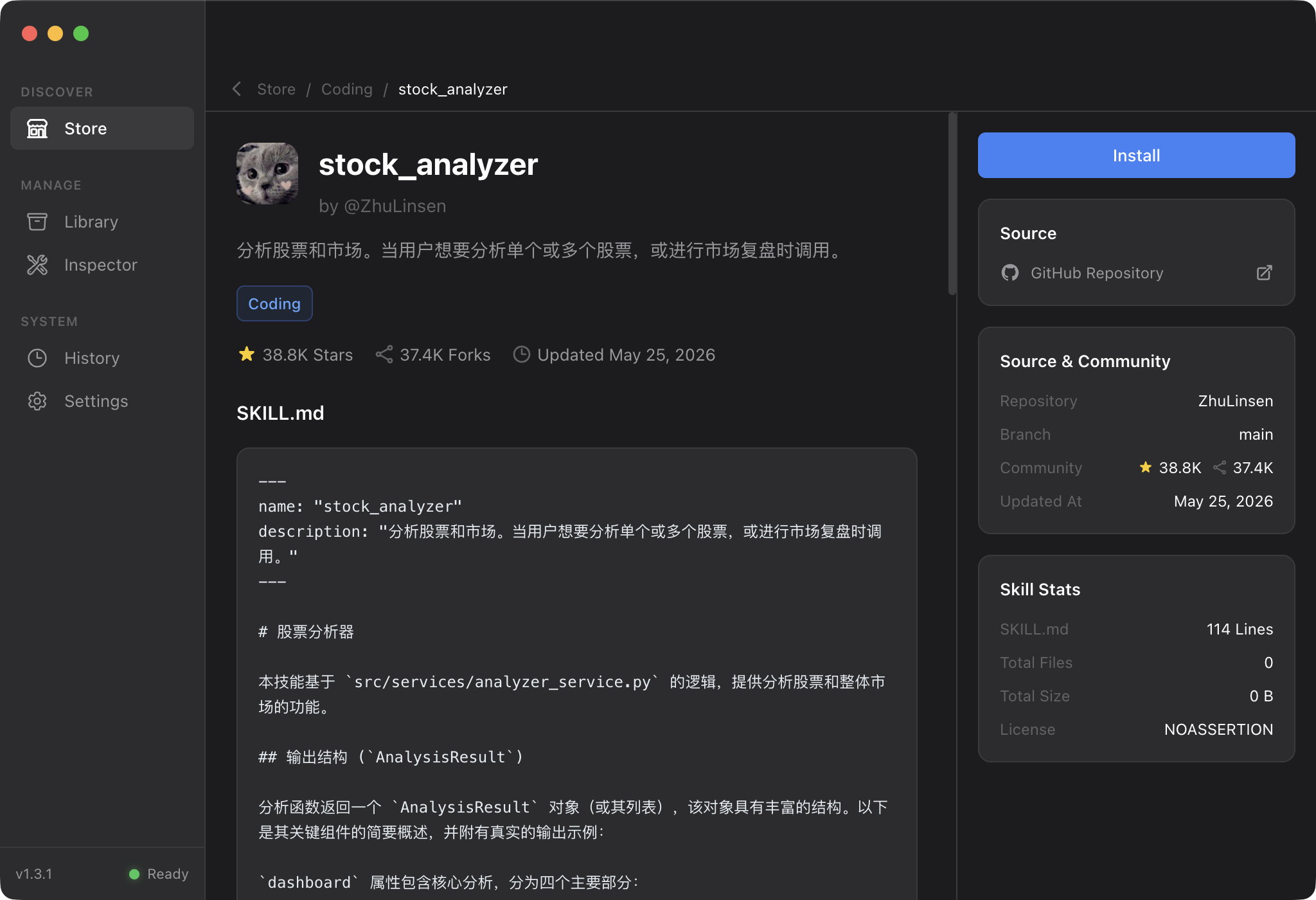
Skill Details
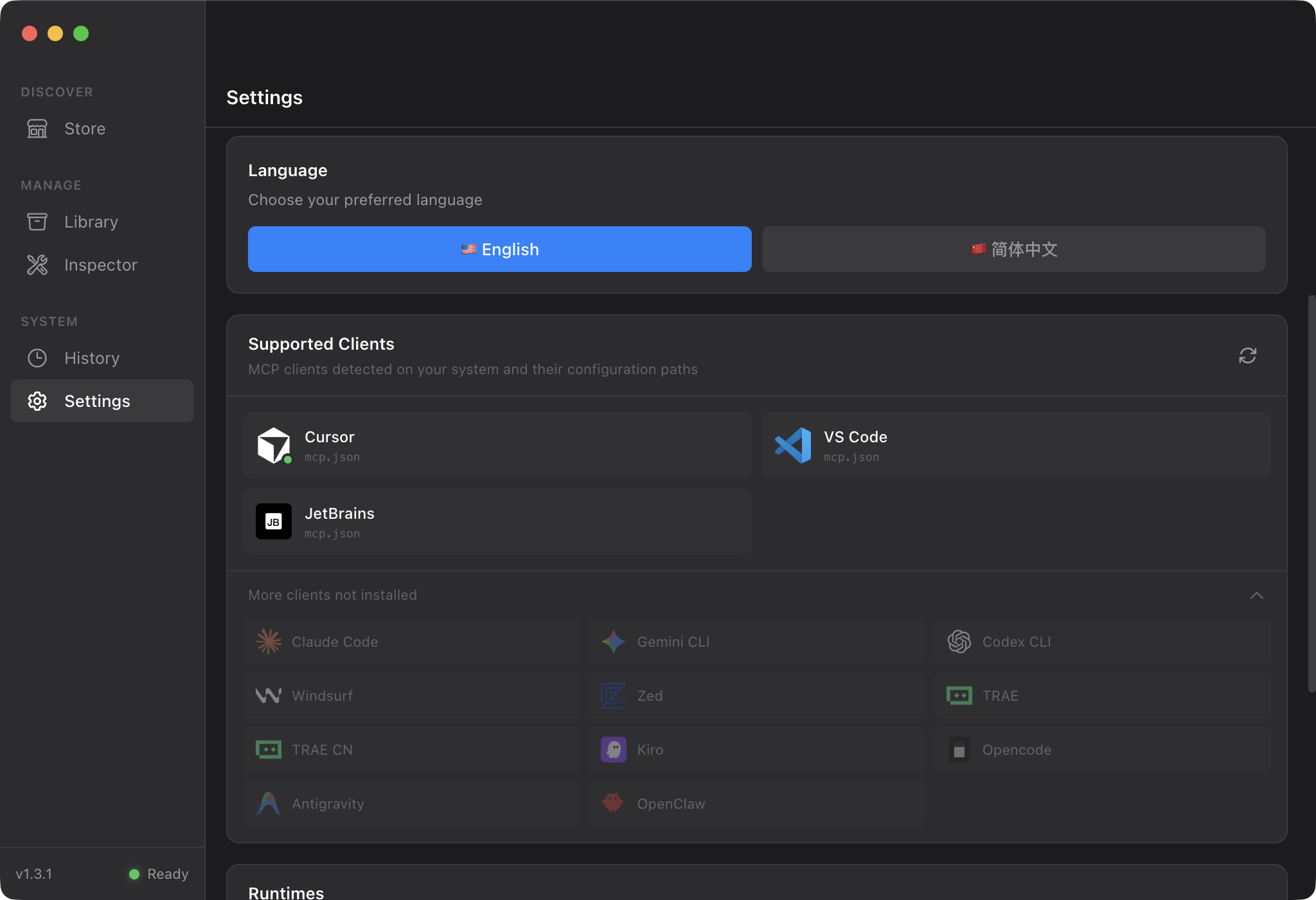
Settings
Everything you need
Nothing more
MCP Store
Browse and install 8700+ MCP servers from Official Registry with one click
Skills Store
Discover 3100+ AI Skills for Claude Code, Cursor, Gemini CLI, Codex CLI, and Opencode
Inspector
Debug and test MCP servers. View prompts, tools, and resources in real-time
Multi-Client
Install to Cursor, VS Code, Claude Code, Gemini CLI, Codex CLI, Windsurf, Zed, TRAE, Kiro, Opencode, JetBrains, Antigravity, OpenClaw
Seamless Integration
Works with your favorite tools








Download
Available for macOS, Windows, and Linux
App not signed. If blocked, run: sudo xattr -rd com.apple.quarantine /Applications/MCP\ Dock.app
FAQ
All configurations and data are stored locally in ~/.mcp-dock/ (macOS/Linux) or %USERPROFILE%\.mcp-dock\ (Windows). No cloud sync, your data stays on your machine.
Internet is required for loading the MCP list. Once installed, MCP configurations are stored locally and work offline.
Yes! MCP Dock is fully open source under the MIT License. You can view the source code, build from source, and contribute on GitHub. Pre-built binaries are also available for free download.
Delete the application and the config directory ~/.mcp-dock/. MCP configurations remain in each client's config file and need manual removal if desired.